
File Management Tool
The File Management Tool is a Python-based application built with PyQt5 for managing files within a specified directory. This tool allows users to search for files by extension, copy, move, delete files, and open files or their containing folders directly from the interface.
Explore the Project
Source code available on GitHub: Source on GitHub
Features
-
- Browse Folder: Select a directory to search for files.
-
- Find Files: Search for files with a specific extension within the selected directory.
-
- Select All Files: Quickly select all listed files.
-
- Copy Files: Copy selected files to a specified destination.
-
- Move Files: Move selected files to a specified destination.
-
- Delete Files: Delete selected files after confirmation.
-
- Open File Location: Open the location of a selected file in the file explorer.
-
- Open File: Open a selected file with the default application.
How to Use
- Click the Browse button to select the directory you want to search in.
-
Enter the file extension (e.g.,
txt,zip) in the input field. - Click Find Files to list all matching files.
- Use Select All to highlight every file in the results.
- Click Copy Selected Files or Move Selected Files to choose a destination folder.
- Use Delete Selected Files to remove files, with a confirmation prompt.
- Click Open File Location to view the file in Explorer/Finder.
- Click Open File to launch it in the default application.
Screenshots
GUI Interface
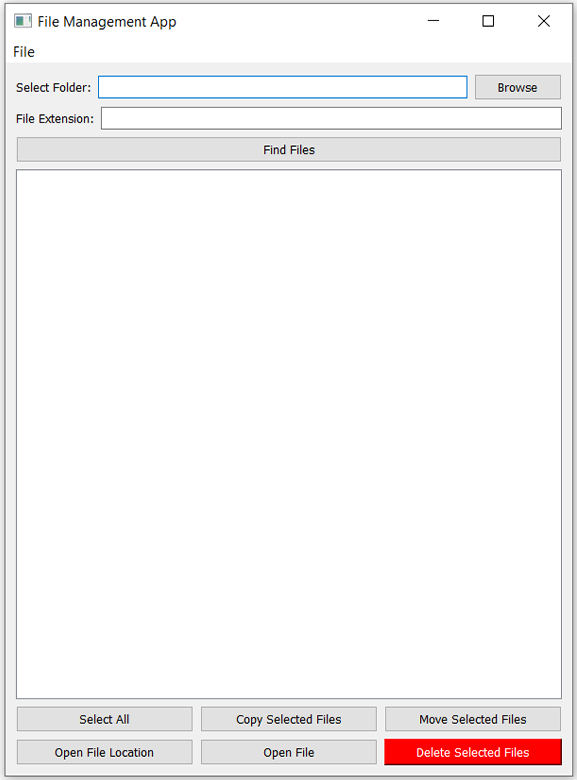
GUI Interface: Main window showing directory selection and file extension filter.
After Searching for ZIP Files
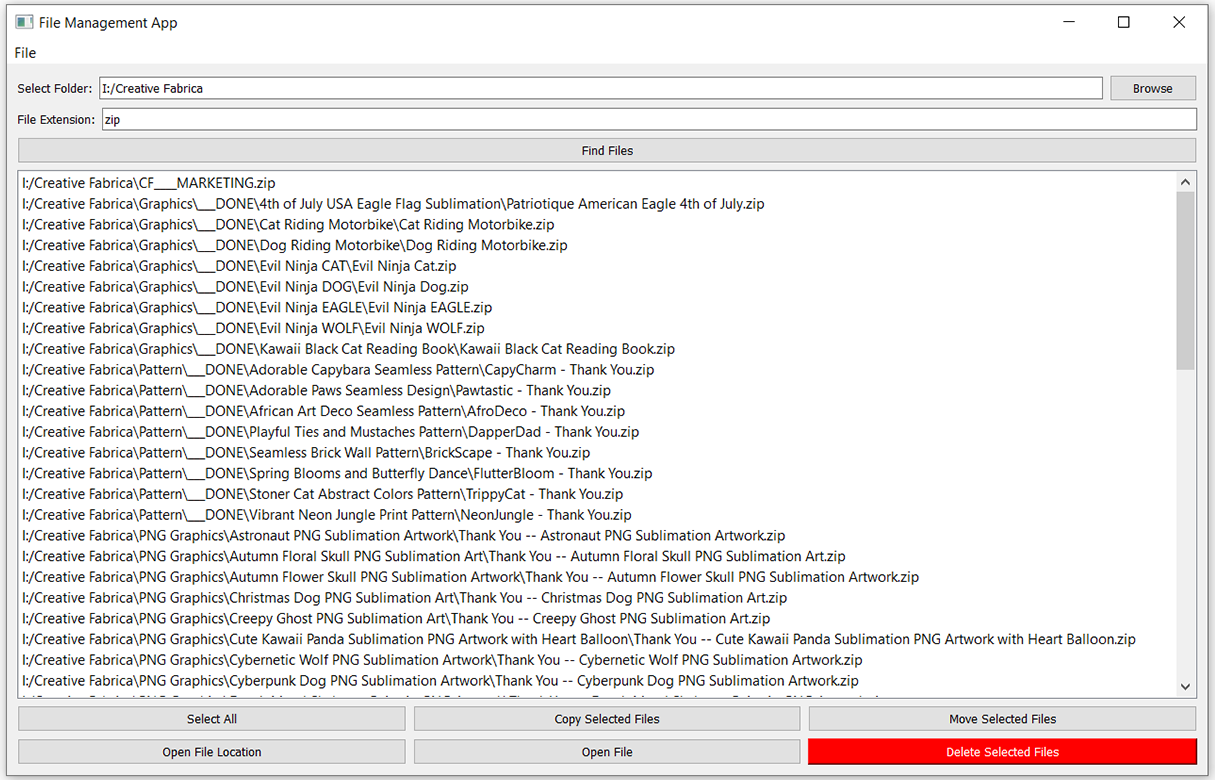
Search Results: Displaying list of `.zip` files found in the selected directory.
Core Functions
main.py
-
find_files_with_extension(folder, extension): Recursively searches for files with a specified extension.
-
delete_file(file_path): Deletes the given file if it exists.
-
move_or_copy_file(file_path, destination, action='copy'): Moves or copies a file to the destination folder.
-
open_file_or_folder(path, file=True): Opens a file or its containing folder with the default application.
-
rename_file(file_path, new_name): Renames the specified file to a new name.
gui.py
-
browse_folder(): Opens a folder selection dialog and updates the path field.
-
find_files(): Searches for files and populates the list widget.
-
select_all_files(): Selects every file in the results list.
-
copy_files(): Copies selected files to a chosen folder.
-
move_files(): Moves selected files to a chosen folder.
-
delete_files(): Deletes selected files after user confirmation.
-
open_file_location(): Opens the first selected file’s folder.
-
open_file(): Launches the selected file in its default application.