
Vector-to-Colorless
Vector-to-Colorless is a Python script designed to convert vector images into colorless, grayscale versions with enhanced edges. It leverages OpenCV for image processing, handling alpha channels and producing clean, uniform results suitable for various applications.
Explore the Project
Source code available on GitHub: Source on GitHub
Features
-
- Grayscale Conversion: Converts vector images to clean, uniform grayscale.
-
- Edge Enhancement: Detects and sharpens edges for crisp output.
-
- Alpha Channel Support: Handles transparency correctly.
-
- Batch Processing: Processes all images in the
inputfolder. -
- OpenCV & NumPy: Leverages powerful libraries for image manipulation.
How to Use
- Place your vector images in the
inputfolder. - Run the script:
python main.py -
Processed images will be saved in the
outputfolder.
Examples
Example 1

Original Image: Input vector file.
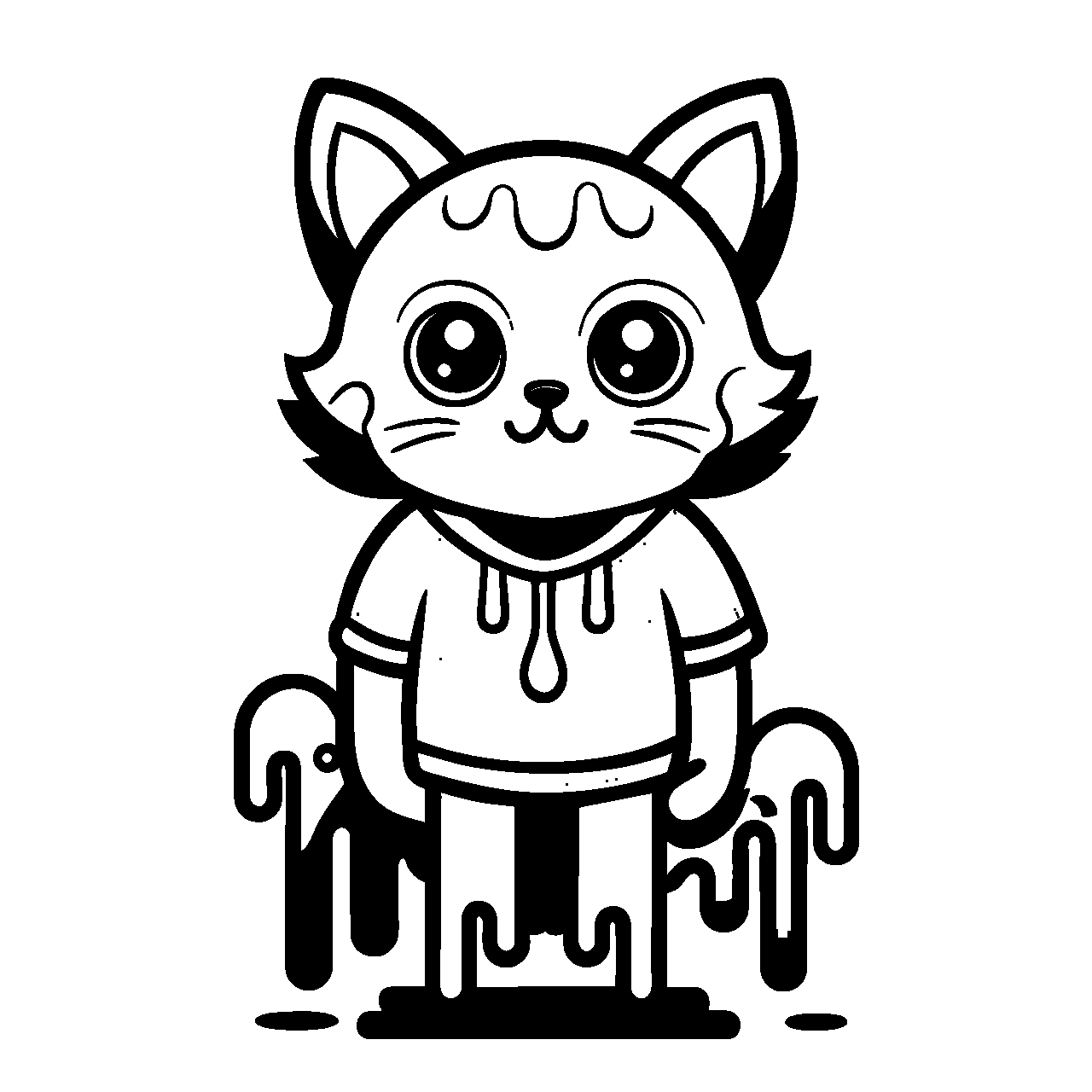
Colorless Result: Grayscale output with enhanced edges.
Example 2

Original Image: Input vector file.
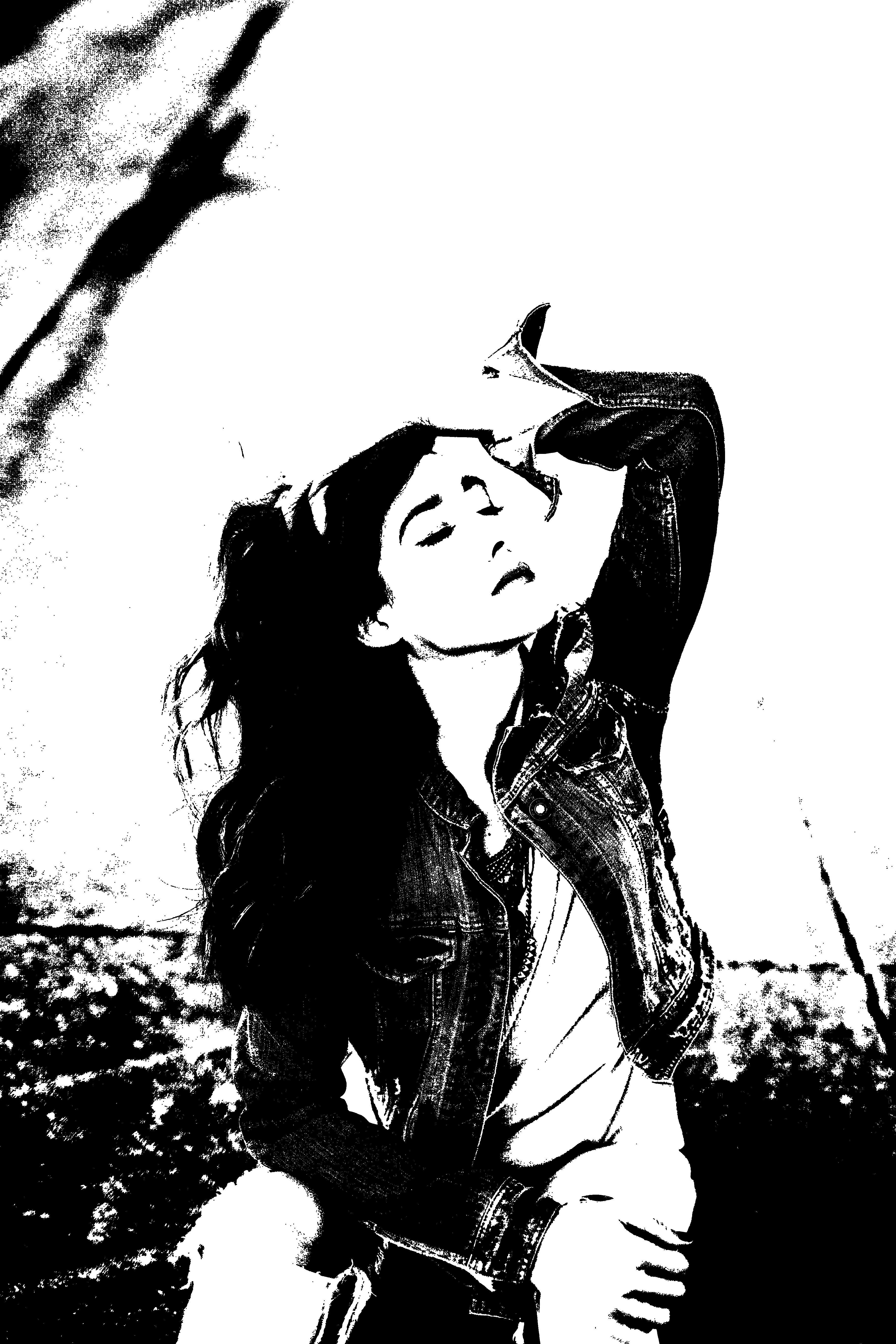
Colorless Result: Grayscale output with enhanced edges.
Example 3

Original Image: Input vector file.

Colorless Result: Grayscale output with enhanced edges.